CAD Programs for 3D Rendering
Users discuss the rendering capabilities of various CAD programs, and show examples. August 29, 2005
Question
I'm looking at purchasing a CAD program that will give me 3D rendering. I do a variety of projects and would like to be able to show customers something better than 2d from Ashlar Vellum. I've looked at and I am running the free 15 day Vellum Graphite, Turbo CAD Pro v10 and Turbo CAD Delux programs. I have been using the old Ashlar Vellum on my pc with much ease of use, but to upgrade to Graphite is about $825. Turbo pro is $720 or so and the Delux version is only $119. I don't know if the Delux version will be able to give me what I want. But then again I may be wanting to give too much to the customer to look at. Does anyone have any suggestions?
Forum Responses
(CAD Forum)
From contributor M:
AutoCAD 2005 is the most powerful and sophisticated software that I know. 3D viz from Autodesk is also good. 3Dmax is an excellent renderer.
From contributor D:
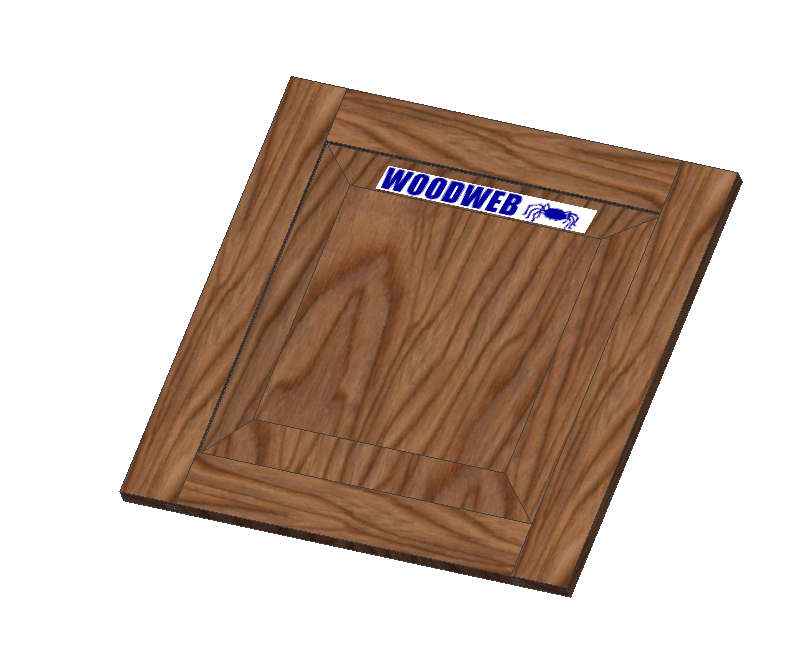
You may want to look into Solidworks 2005. I use it almost exclusively for all sorts of modeling and rendering. You can render any JPG image onto any surface.
From contributor W:
My feeling is you can never show the customer too much. Inventor is my choice - it is a bit expensive but has great potential for design and marketing. I worked with Ashlar Vellum, Mechanical Desktop and now Inventor. All have the pluses and minuses. Good luck
Click here for full size image
From contributor R:
I'm a Graphite and Solidworks user. I personally don't waste time with wood grain as it too often looks distracting. To me, moving from Graphite (I was an extensive Ashlar Vellum user) to SW was pretty comfortable, as I've always used Vellum's parametrics.
From contributor M:
You can download a trial version of either TurboCad Pro or Design from their website. I would recommend checking out recent issue of Fine WW, which reviewed three 3D applications. I'm ok with AutoCAD, but it has a lot of engineering oriented features which are of questionable value to the average woodworking business. The review prompted me to download Design to see if I can get to finished renderings of acceptable quality any faster.
From contributor G:
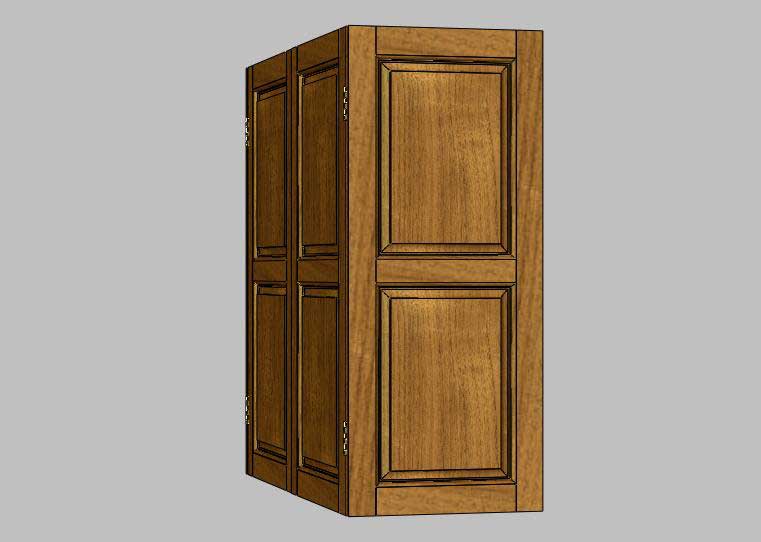
I would suggest looking at SolidWorks. I have been using it professionally since 2001 and I am still enamored with it. It’s about the best value in its class. It’s not cheap, but worth every penny. I have found that the support is good and there a lot of user groups available.
Click here for full size image
From contributor G:
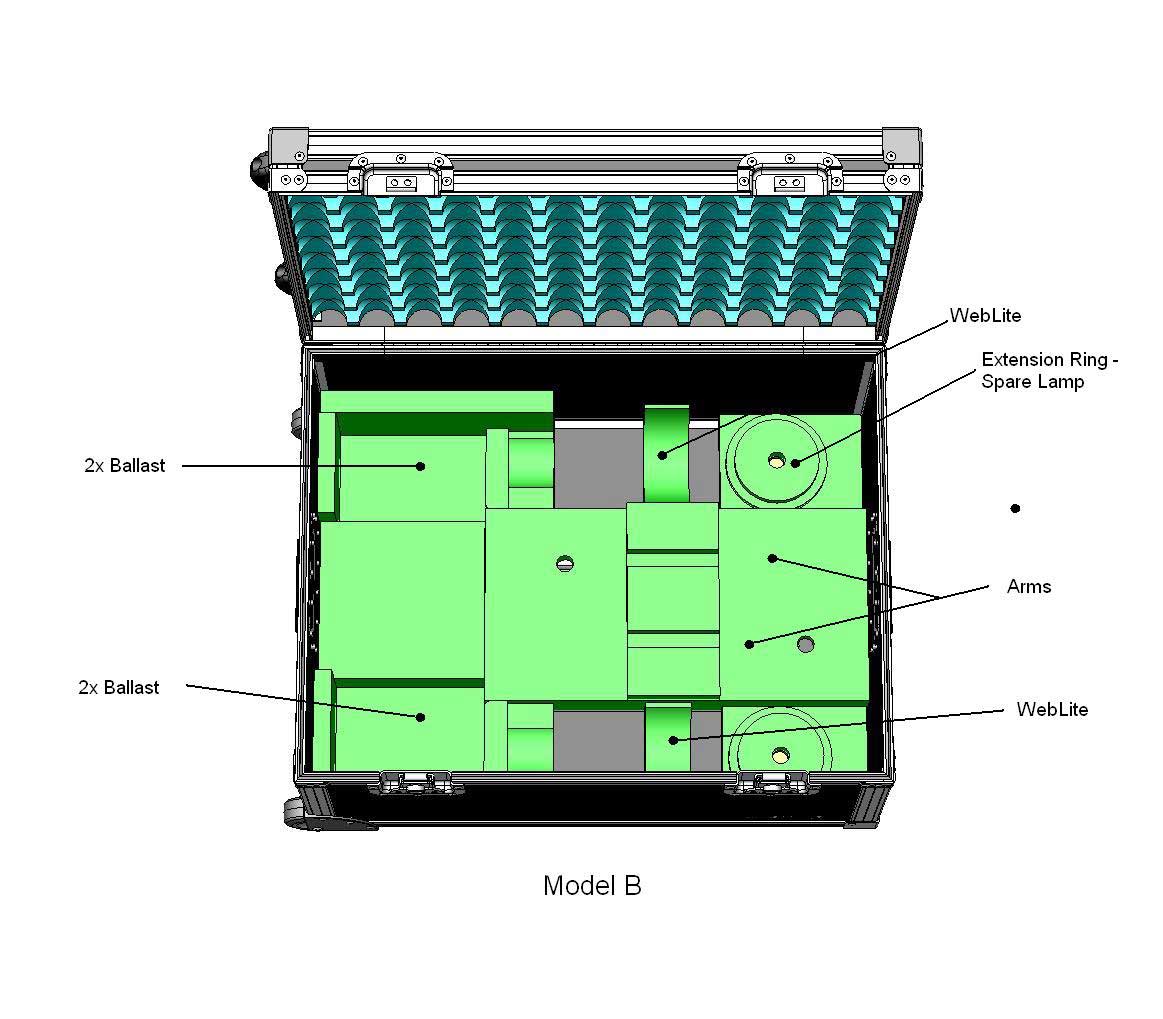
Here is a second example. You can see that this software is in another league and is worth the extra money.
Click here for full size image
From contributor C:
To the original questioner: I'm in the same boat - I've been using Visio for 2d and want to model at 3D. I've been trying the same 3 programs you have for a while a week. I like the Graphite tool better than TurboCAD, however it is too expensive for me at this point. The TurboCAD Pro has some nice features that the Deluxe does not. The other nice thing about TurboCAD is that there is a very large user community, with lots of help, add-in tools, and etc. If I were doing this professionally, I would no doubt go with a better tool but at this point I'll probably start with TC Dlx.
From contributor T:
I have been using Fastcad for 14 years now and I second Jim's recommendations. Try the free trial version first. The full version Fcad V7 is $700. Fcad converts back and forth from dwg & dxf.
From contributor F:
I design and make every kind of kitchen and furniture in my shop. I too recommend SolidWorks, which I bought a few years ago and use it to do parametric design of absolutely everything from scratch. Almost never two projects are alike, but can use drawers, cabinets, doors etc. over again.
Rendering with PhotoWorks really sells the products to the customers, and from the Bill of Materials I import via Excel to CutListPlus (nice Sheet Layout program) which I bring directly to my saw machine. I can't work without it anymore. It took some time to learn, but it pays off with the right customers.
From contributor J:
To the original questioner: Yes, Turbo Card V 10 will do just that. You do need a heavy-duty computer and video card to maximize the software potential.
